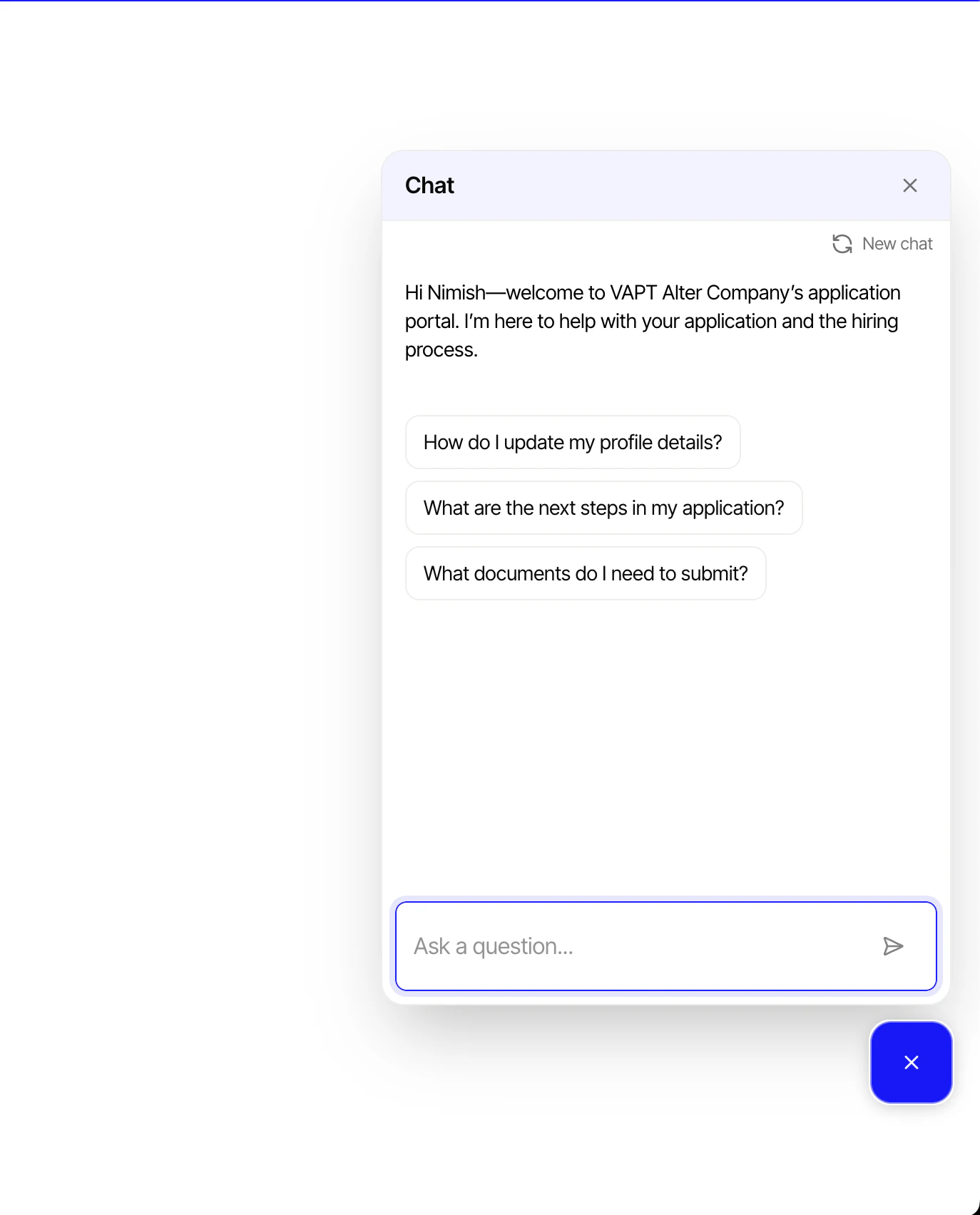
Knowledge Base
The chatbot is powered by a knowledge base that you configure per hiring flow. The knowledge base contains the information the chatbot uses to answer candidate questions.Setting Up a Knowledge Base
- Navigate to your hiring flow settings
- Open the Chatbot section
- Add entries to the knowledge base — these can include:
- FAQs about the role, company, or application process
- Instructions for completing specific steps (document uploads, scheduling, etc.)
- Details about compensation, benefits, and work location
- Policies on background checks, drug testing, or other requirements
How It Works
- A candidate opens their application in a hiring flow
- The chatbot appears as a conversation widget
- The candidate asks a question (e.g., “What documents do I need?” or “How long does the process take?”)
- The chatbot responds using the knowledge base you configured