Building a Rule
A rule is a condition tree that evaluates to true or false. Admins build rules using a visual editor to express logic like “age is greater than 18 AND state is one of [CA, NY, TX].”Condition Structure
Field conditions are the leaves of the tree. Each compares a data value against a target:- Left side — a field from the current record (e.g., applicant’s age, document upload status, contract start date)
- Operator — how to compare (equals, not equals, greater than, less than, contains, is present, is absent, before/after for dates, regex match, and more)
- Right side — a static value (“18”, “CA”), another field for field-to-field comparisons, or an Object Graph path
Logical Operators
These nest arbitrarily — an AND group can contain OR groups, which can contain more AND groups, enabling complex business logic in a single rule.
AI-Powered Evaluation
Rules optionally support AI-powered evaluation where the system uses an AI model to assess candidate data against the rule criteria.Rule Categories
Navigation Outcomes
Rule Branching
Rules can have child rules on TRUE and FALSE branches, each with their own actions. This creates if/else decision trees:- If score > 80, approve
- Else if score > 60, send for review
- Else reject
Logging
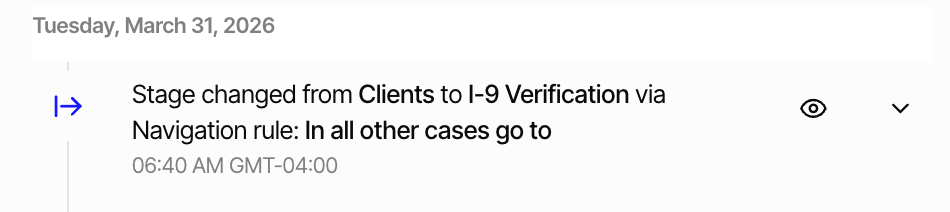
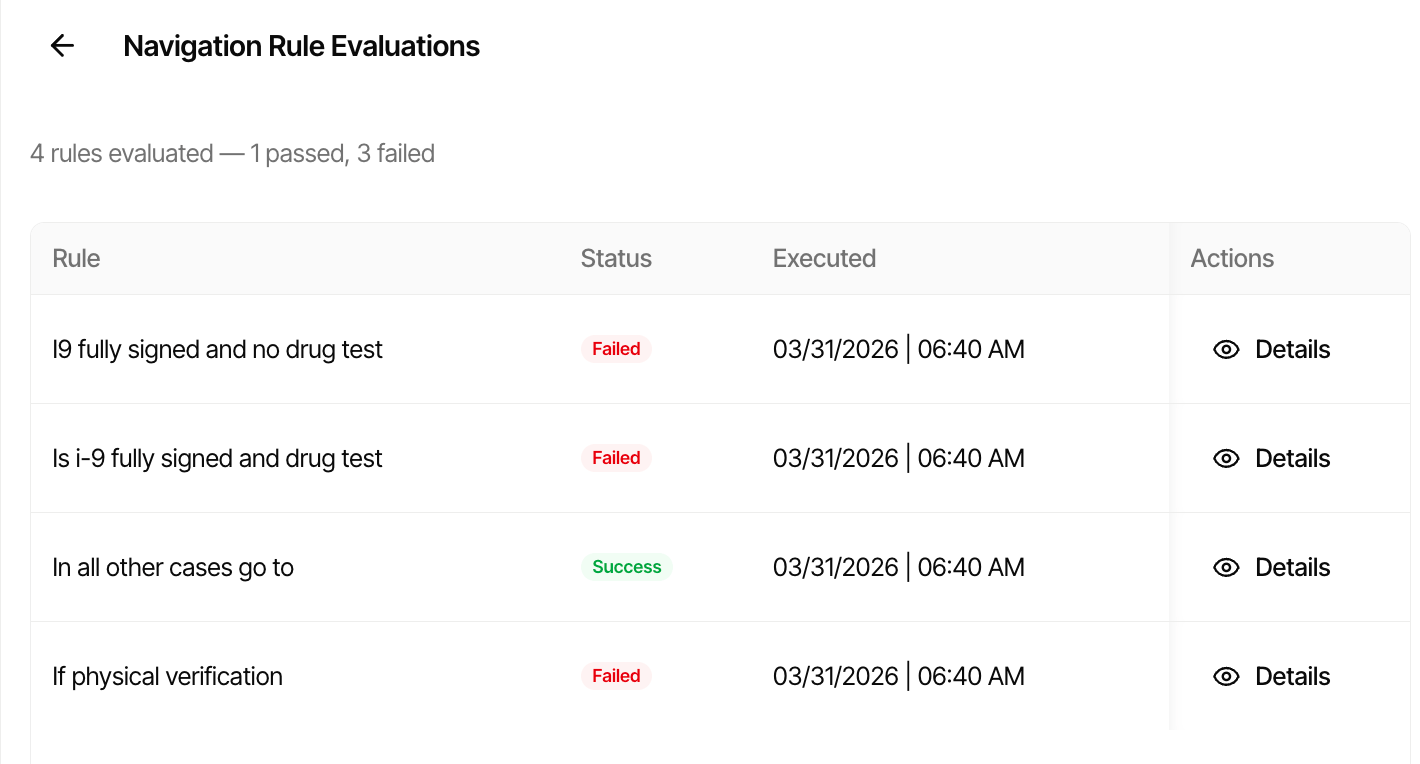
Every rule evaluation creates an execution record showing which conditions were checked, what values were compared, and whether each node passed or failed. Admins use these logs to debug why an applicant was routed to a particular page or why a field appeared or disappeared.